

Menu

CART
Connect Instance




[see it in action] ↓
[compatibility] ↓
Photoshop
see full compatibility info
compatibility info
mobChain Photoshop Plugin
mobChain Photoshop Plugin
[Description]
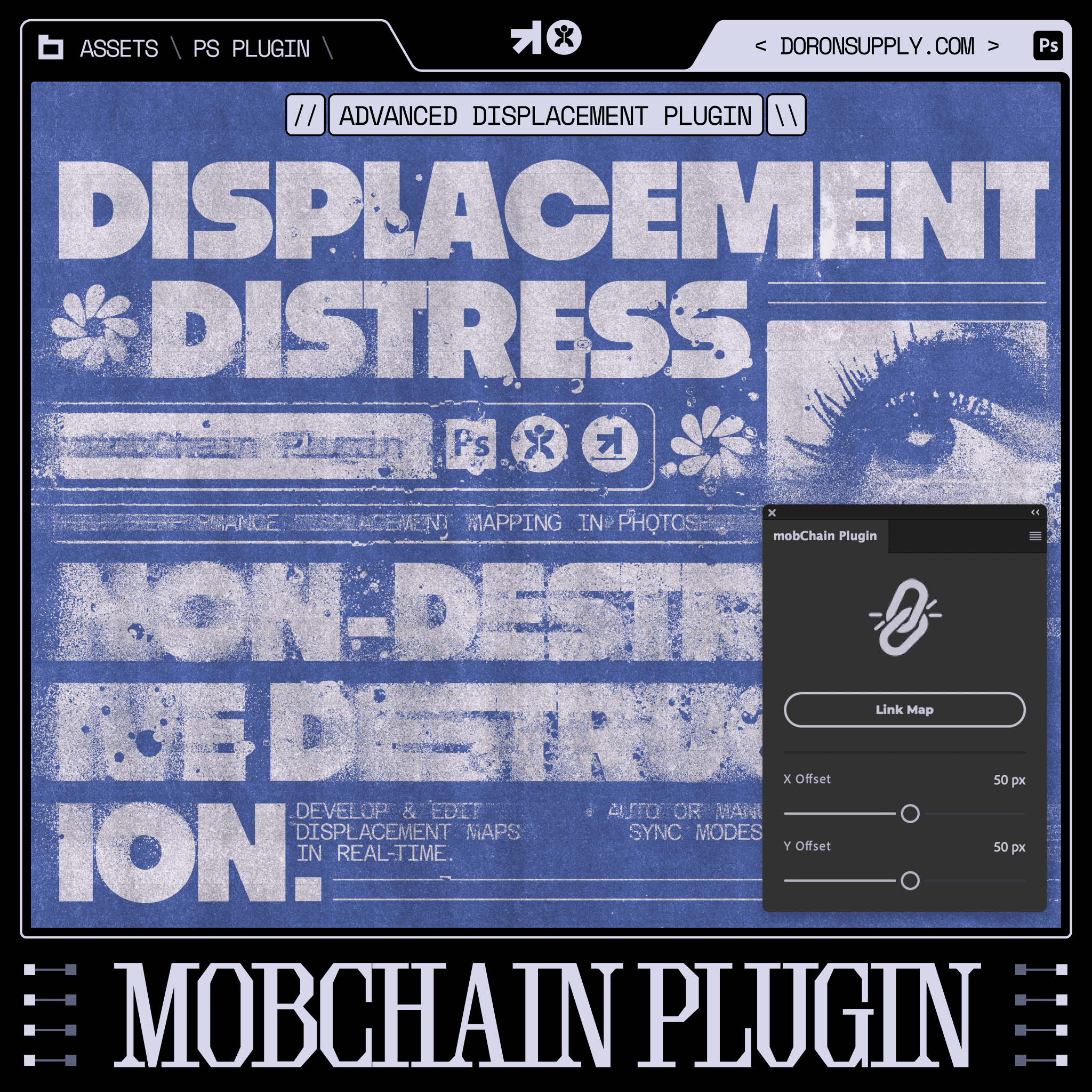
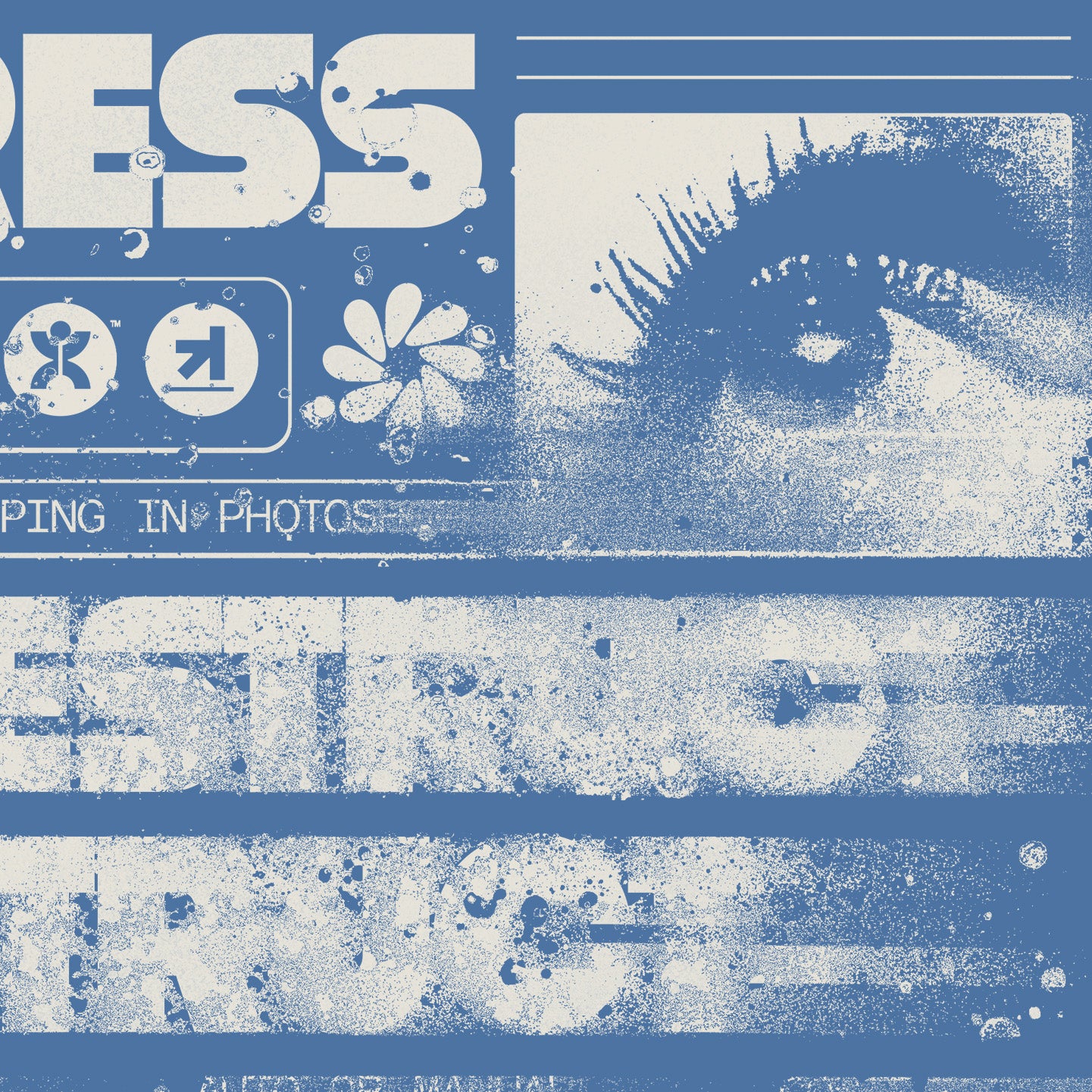
mobChain is your new best friend for displacing and distressing type & images with ease and incredible speed. Gone are the days of guess-work and bad results when displacement mapping.
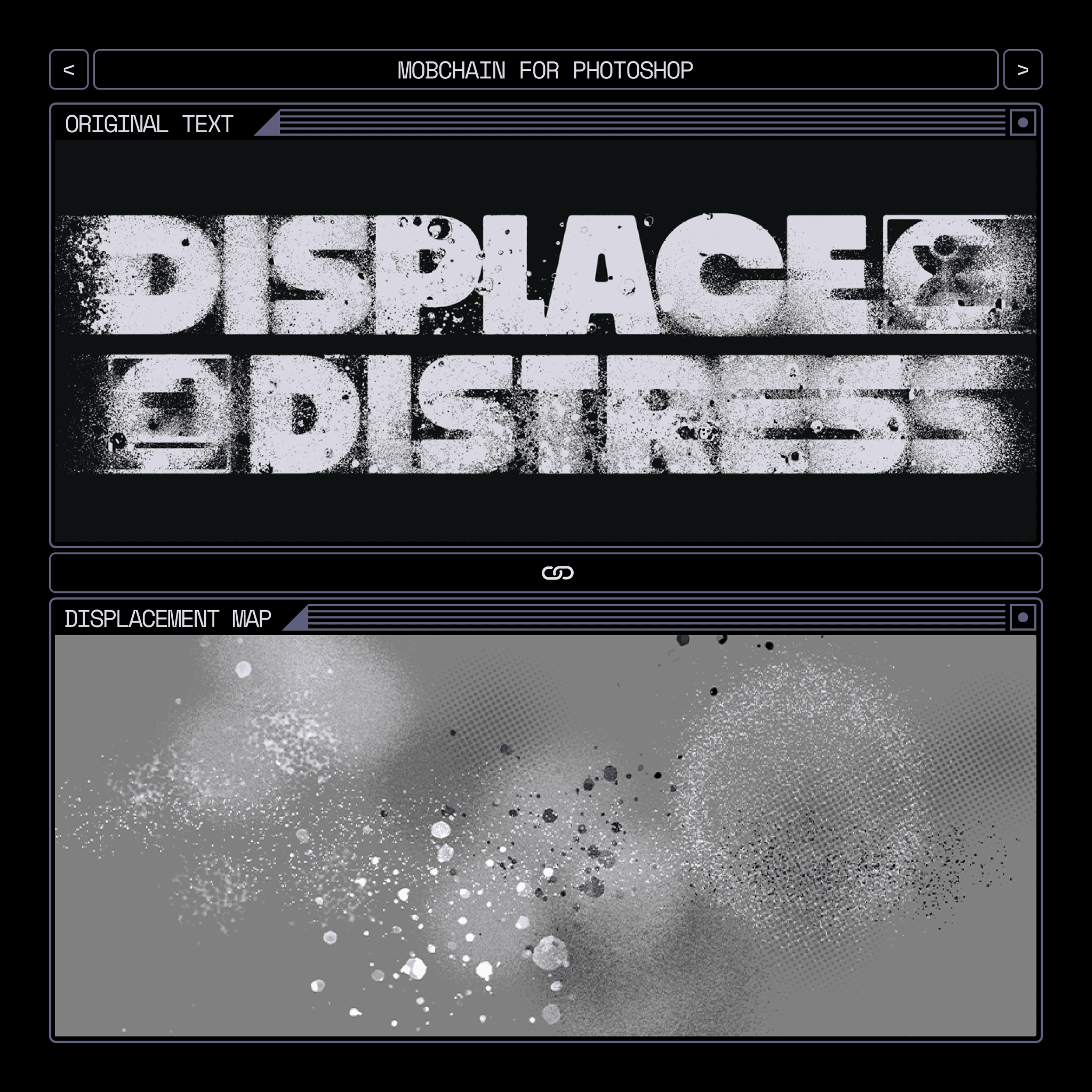
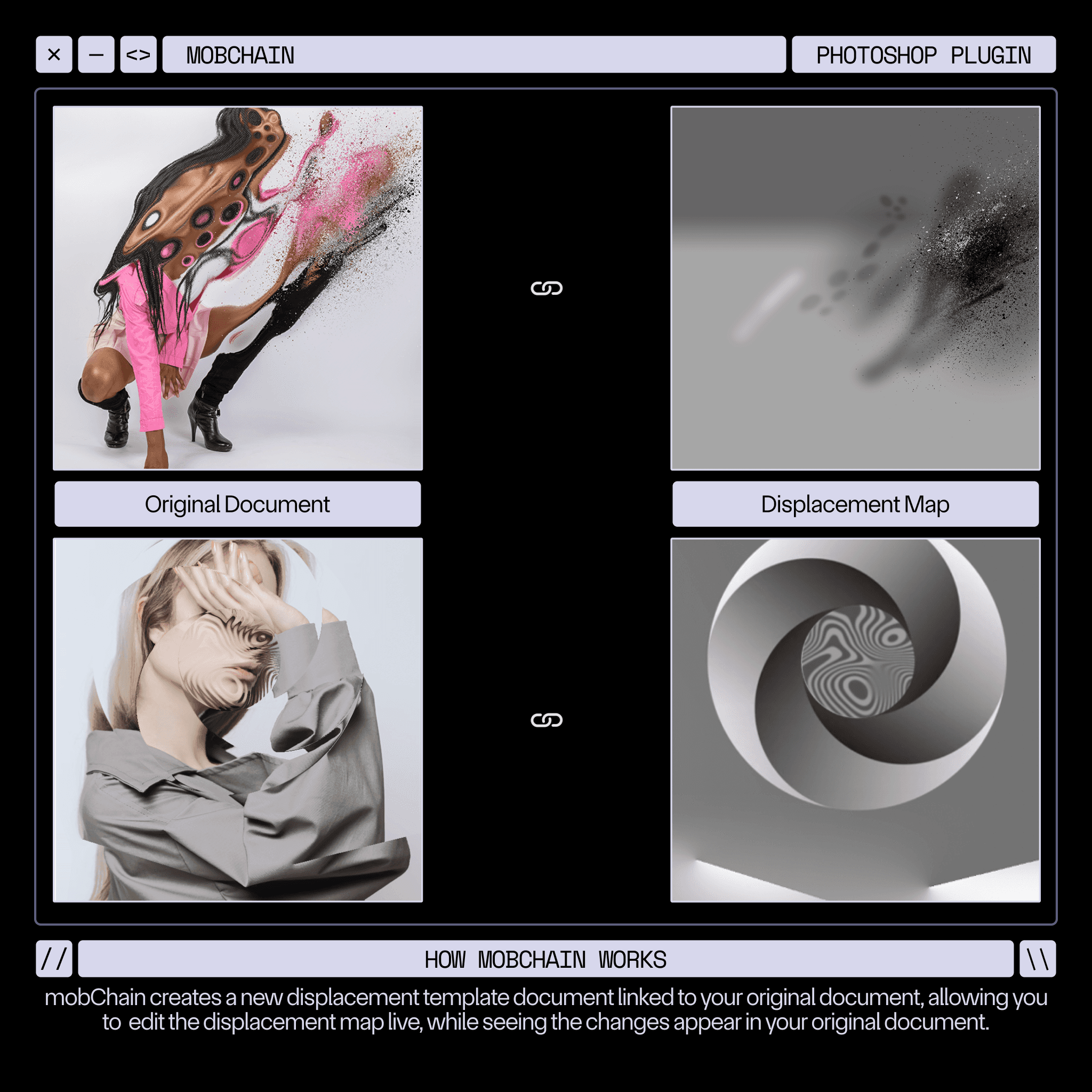
This add-on creates a displacement map template with a reference layer and links it to your main document. Meaning you can make any edits on a displacement map and see the updated displace result instantly. You can also control the offset distortions on the fly with X and Y sliders within the plugin dialog. With this powerful tool, you can now develop and fine-tune displacement maps in real-time!
Have your way with the included 30+ grain, halftone, distress, and splatter brushes to distress type & images with full confidence & customizability.
This product is brought to you in collaboration between Doron Supply & BangingJoints.
NOTE: This product is not entirely exclusive to the Doron Supply shop, however this is the only version of mobChain that includes the 30+ brushes to easily distress your artwork.
mobChain is your new best friend for displacing and distressing type & images with ease and incredible speed. Gone are the days of guess-work and bad results when displacement mapping.
This add-on creates a displacement map template with a reference layer and links it to your main document. Meaning you can make any edits on a displacement map and see the updated displace result instantly. You can also control the offset distortions on the fly with X and Y sliders within the plugin dialog. With this powerful tool, you can now develop and fine-tune displacement maps in real-time!
Have your way with the included 30+ grain, halftone, distress, and splatter brushes to distress type & images with full confidence & customizability.
This product is brought to you in collaboration between Doron Supply & BangingJoints.
NOTE: This product is not entirely exclusive to the Doron Supply shop, however this is the only version of mobChain that includes the 30+ brushes to easily distress your artwork.
[FEATURES]
Real-Time Custom Distress & Displacement
30+ Brushes for Grain, Halftone, Grunge, & Splatter Distress
Adjust displacement strength on-the-fly
Distress type or images
[includes]
1 .CCX Photoshop Plugin
1 .ABR Brush Kit File (30+ Displacement Brushes)
PDF Tutorial Booklet
Video Demonstration
[created by]
[compatibility]
Photoshop
[compatibility]
[see full compatibility info]
[learn more]
See This Tool In Action:
See This Tool In Action:
[Crowd Favorites]
Designers Also Loved:
Designers Also Loved:
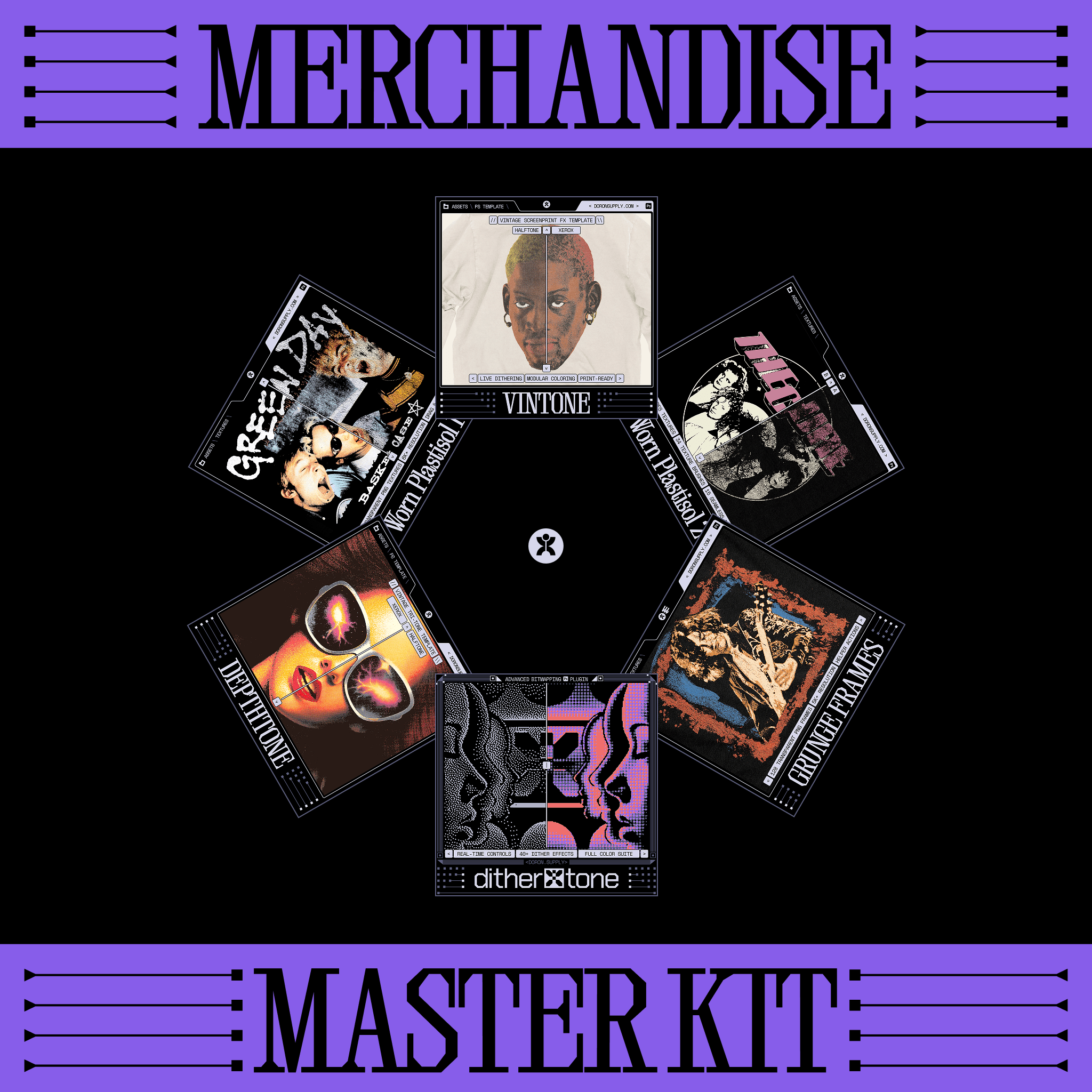
[MISSION]
Professional Design, Made Simple
Why Most Designers Get Texture Wrong
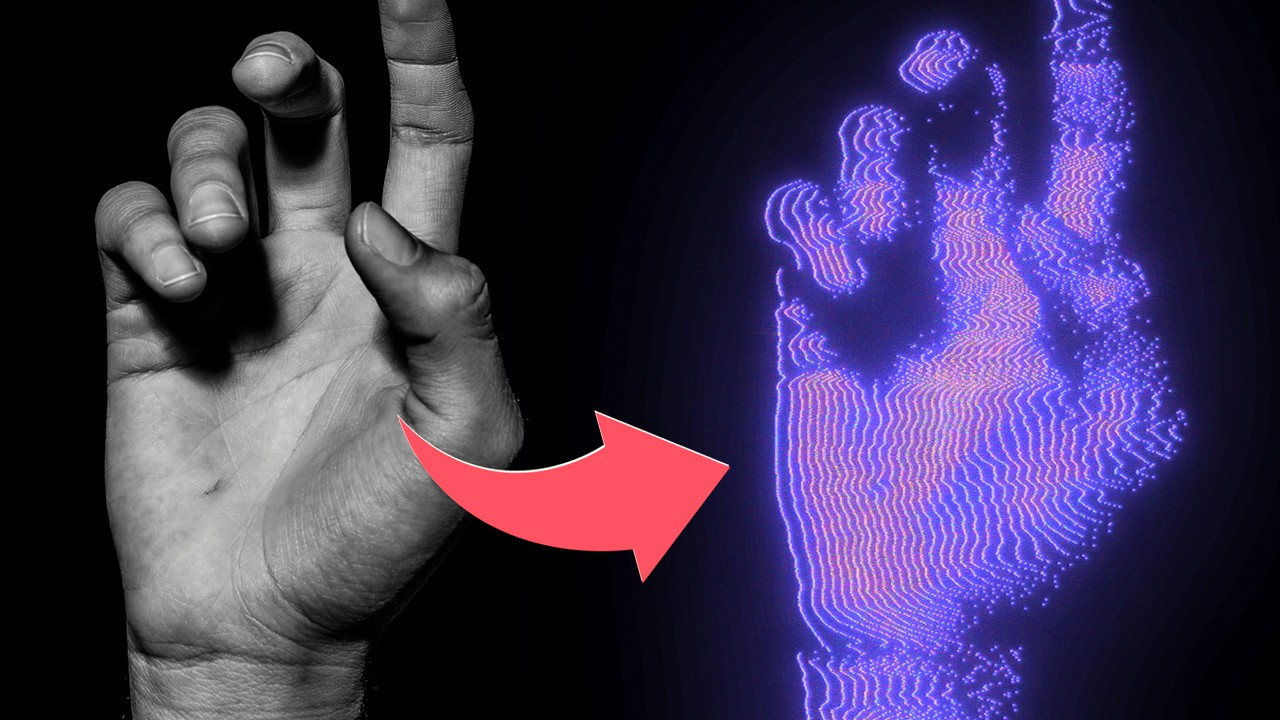
Create CRAZY CRT Glitch Art Effects in Photoshop
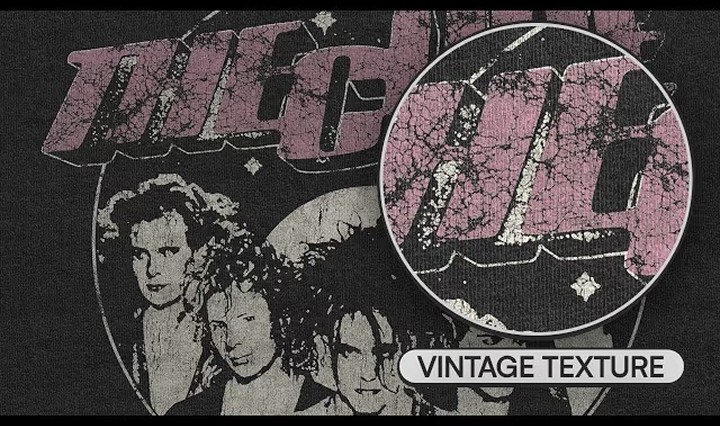
My Favorite Way To Texture Vintage T-Shirt Artwork
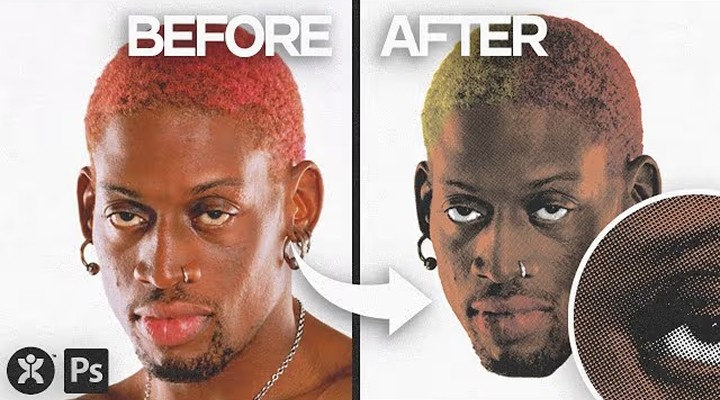
Create A Vintage Halftone Portrait Design in Photoshop 3
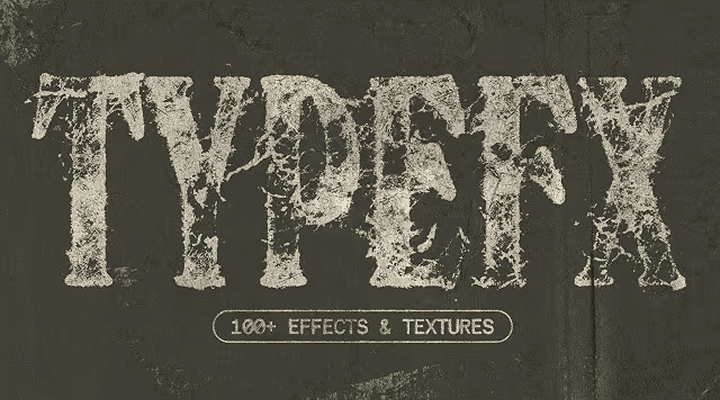
Unlock 100+ Text Distress Effects with This INSANE Photoshop Tool
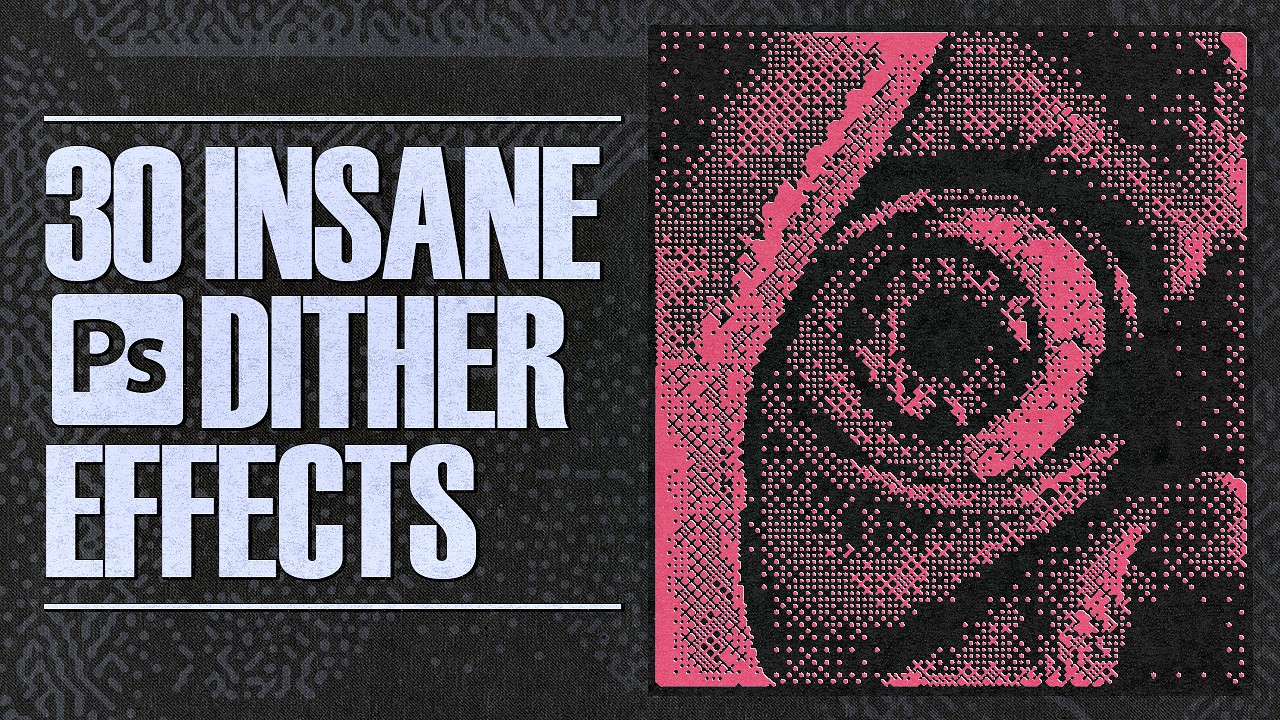
INSANE Bitmap & Dither Effects to LEVEL UP Your Designs

Retro VHS / CRT Text Effect in Photoshop
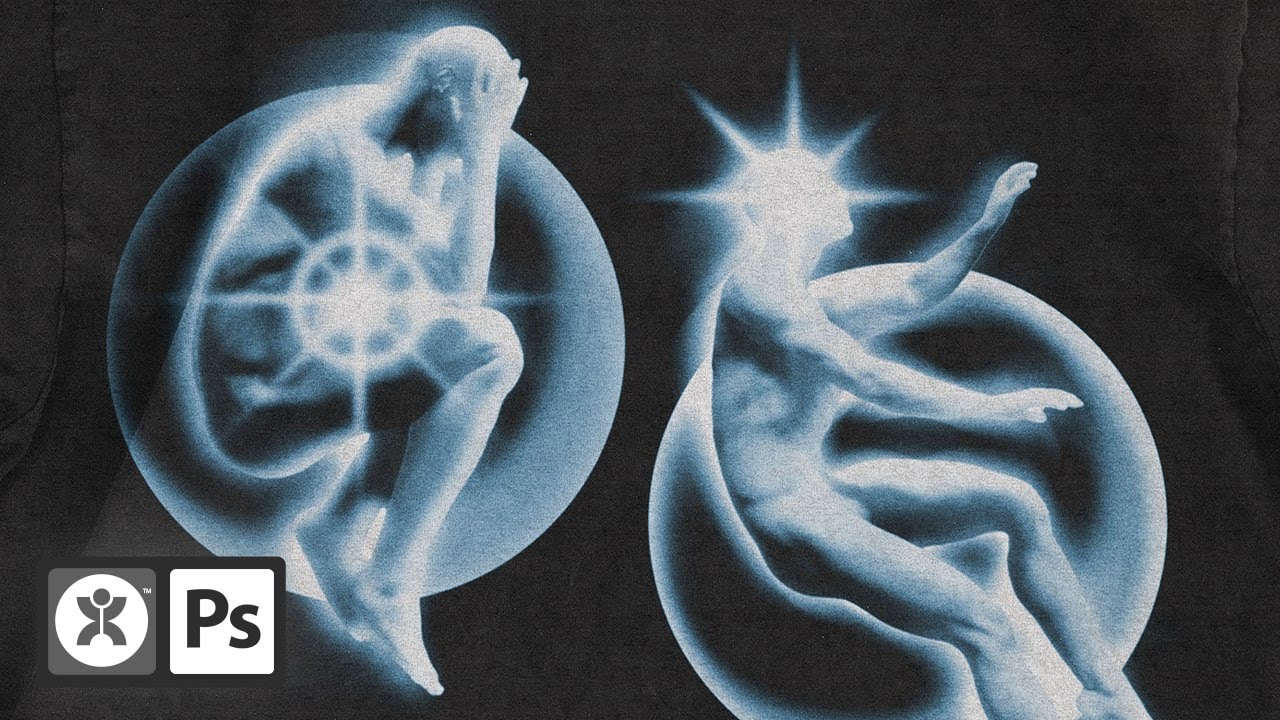
Glowing Aura Figure Streetwear Design Tutorial
[MISSION]
Professional Design, Made Simple
Why Most Designers Get Texture Wrong
Create CRAZY CRT Glitch Art Effects in Photoshop
My Favorite Way To Texture Vintage T-Shirt Artwork
Create A Vintage Halftone Portrait Design in Photoshop 3
Unlock 100+ Text Distress Effects with This INSANE Photoshop Tool
INSANE Bitmap & Dither Effects to LEVEL UP Your Designs
Retro VHS / CRT Text Effect in Photoshop
Glowing Aura Figure Streetwear Design Tutorial
Professional Design, Made Simple
Why Most Designers Get Texture Wrong
Create CRAZY CRT Glitch Art Effects in Photoshop
My Favorite Way To Texture Vintage T-Shirt Artwork
Create A Vintage Halftone Portrait Design in Photoshop 3
Unlock 100+ Text Distress Effects with This INSANE Photoshop Tool
INSANE Bitmap & Dither Effects to LEVEL UP Your Designs
Retro VHS / CRT Text Effect in Photoshop
Glowing Aura Figure Streetwear Design Tutorial
[MISSION]
Professional Design, Made Simple
Why Most Designers Get Texture Wrong
Create CRAZY CRT Glitch Art Effects in Photoshop
My Favorite Way To Texture Vintage T-Shirt Artwork
Create A Vintage Halftone Portrait Design in Photoshop 3
Unlock 100+ Text Distress Effects with This INSANE Photoshop Tool
INSANE Bitmap & Dither Effects to LEVEL UP Your Designs
Retro VHS / CRT Text Effect in Photoshop
Glowing Aura Figure Streetwear Design Tutorial
text sf
Keep In Touch
Unlock freebies, exclusive sales, and stay up to date on the tools that help you live your design dreams.
Earn $$ Using Our Tools
earn up to $500 by creating content using doron supply tools.
Keep In Touch
Unlock freebies, exclusive sales, and stay up to date on the tools that help you live your design dreams.
Earn $$ Using Our Tools
earn up to $500 by creating content using doron supply tools.
Keep In Touch
Unlock freebies, exclusive sales, and stay up to date on the tools that help you live your design dreams.
Earn $$ Using Our Tools
earn up to $500 by creating content using doron supply tools.
Keep In Touch
Unlock freebies, exclusive sales, and stay up to date on the tools that help you live your design dreams.
Earn $$ Using Our Tools
earn up to $500 by creating content using doron supply tools.